
Chess leaderboards for friends and clubs.
Turn over-the-board games into friendly competition. Track results, build your rating and see who's on top — all in your own chess group.
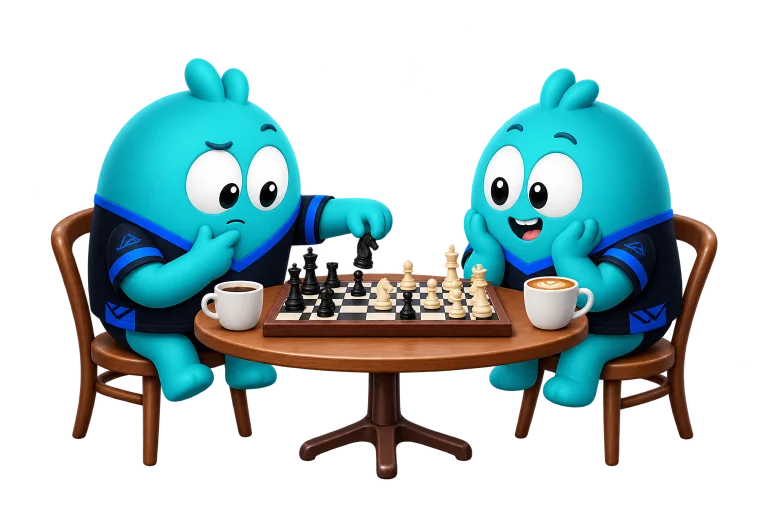
Where do you play chess?
From club nights and office chess leagues to casual games with friends, every group has its own rivalries. Give yours a leaderboard and make every game count.
- Chess clubs
- Schools & universities
- Office chess
- Bars & cafés
- Friends & family
Start your own chess leaderboard.
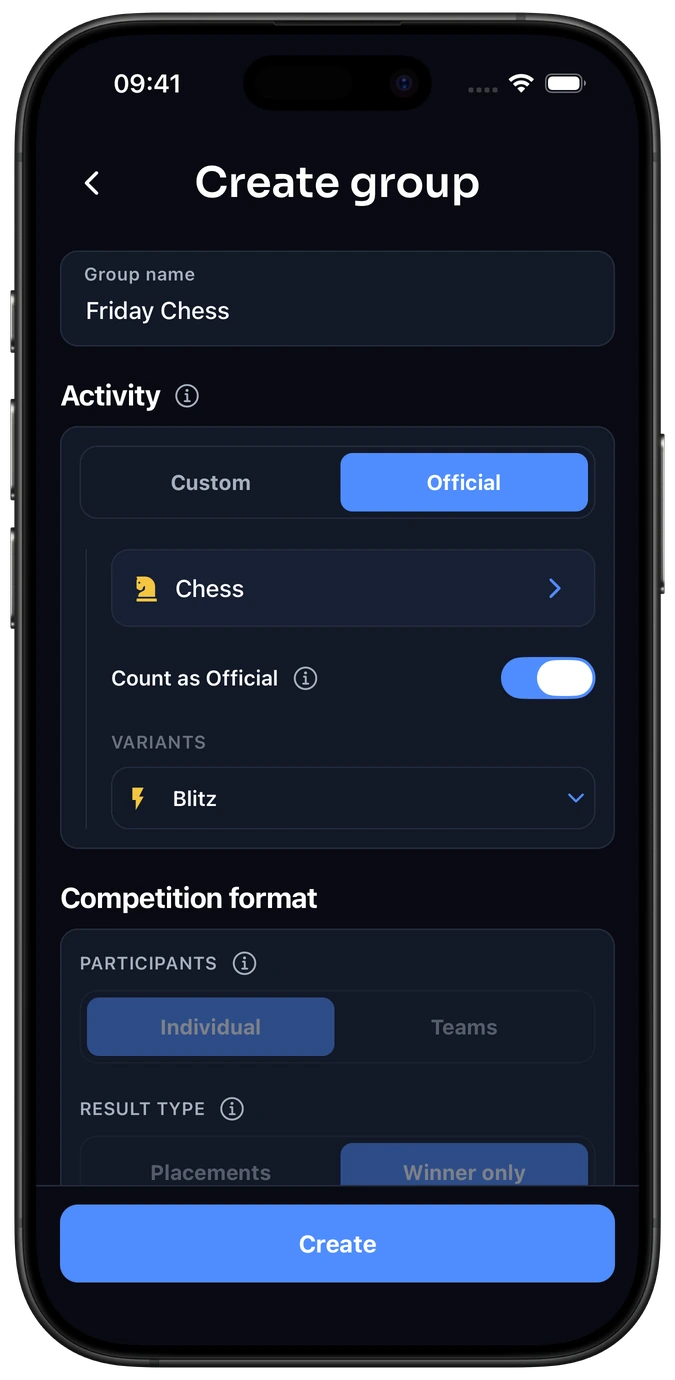
Choose Chess
Create a group and select Chess from Elo-X’s standard activity list. Its formats are ready to use.
Invite your players
Share your group’s invitation link or QR code with the people you play with.
Play and confirm
Log a game and confirm the result with your opponent. Follow your group’s ratings, leaderboard and game history.
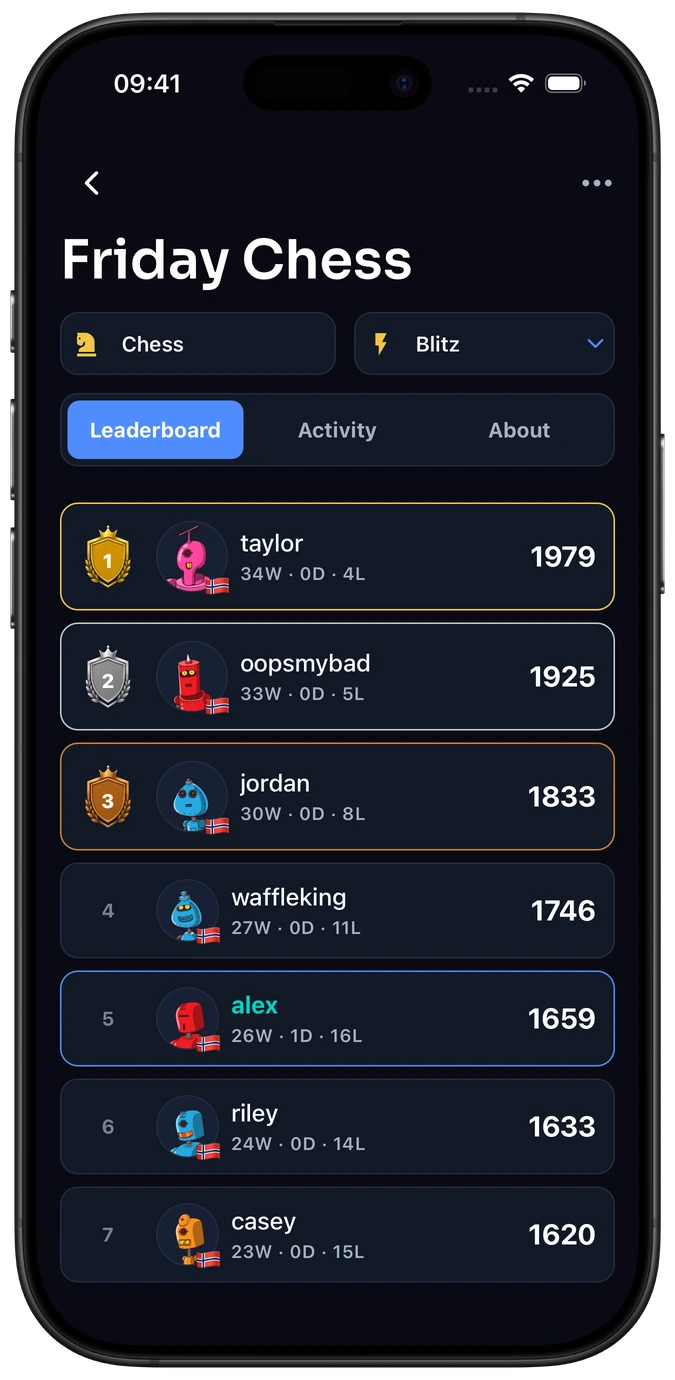
Your players, your standings
Compare ratings and positions within your chess group.
A rating for each format
Switch between Blitz, Rapid and the other supported chess formats.
A record of your games
Revisit the confirmed games behind your group’s standings.
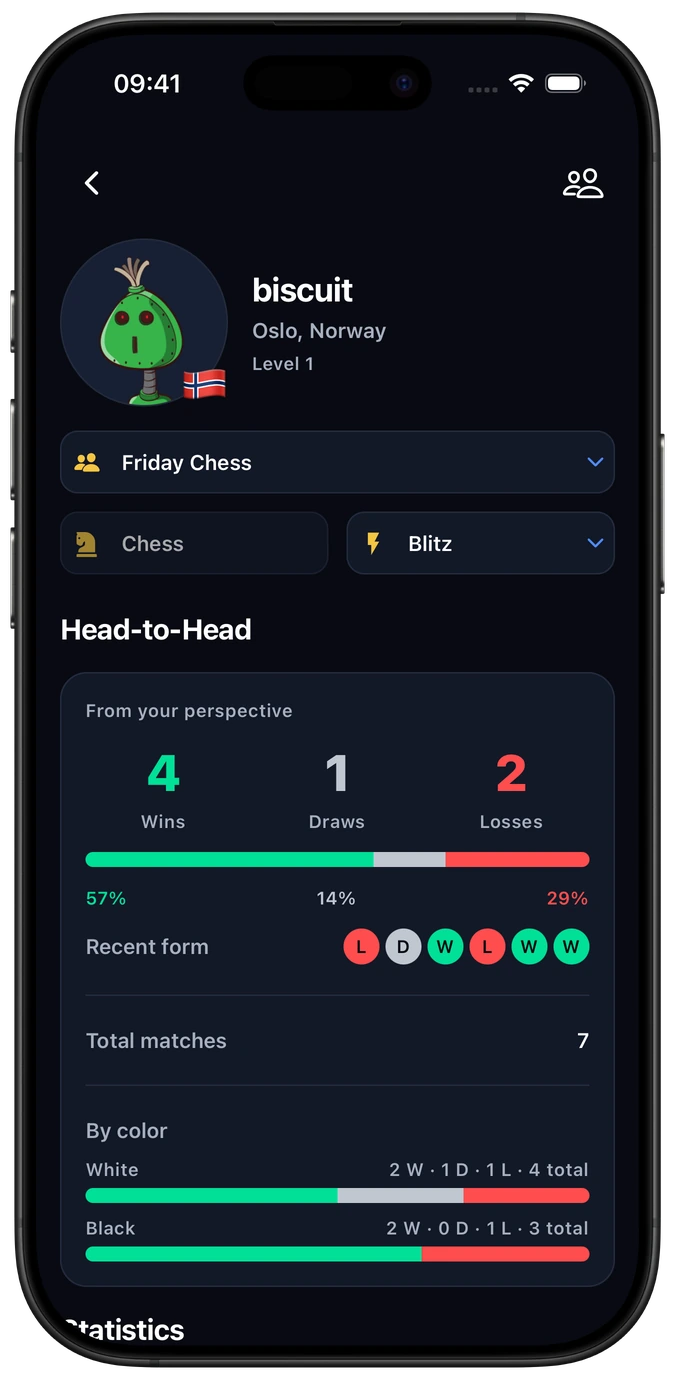
Your games against each other
Compare wins, draws and losses with a friend or club rival.
A record for each format
Follow your head-to-head results in the chess format you play.
Look back at past games
Revisit confirmed results, playing colors and rating changes.
Frequently asked questions
Can we keep Blitz and Rapid in the same chess group?
Yes. One Chess group can use the supported formats, with separate ratings and leaderboards for each. Choose the format you played when logging a game. See the Chess formats and Elo-X ratings for details.
Do group games count towards global Elo-X ratings?
Confirmed group games count only when Count as Official is enabled. Your group keeps its own leaderboard either way. The setting applies to newly created matches; changing it does not change existing matches. Read the group setup guide for the details.
Does everyone in our chess group need an Elo-X account?
Yes. Each player joins with their own account so they can log games, review results and confirm the matches they played. Players must meet Elo-X’s age requirements.
Can we organize a chess tournament for our group?
Yes. Your group keeps an ongoing leaderboard; a tournament gives your club night or event a defined finish. Explore chess tournaments in Elo-X when you want to run an event for your players.
Create your chess group.
Keep your chess games, group ratings and next game together.